
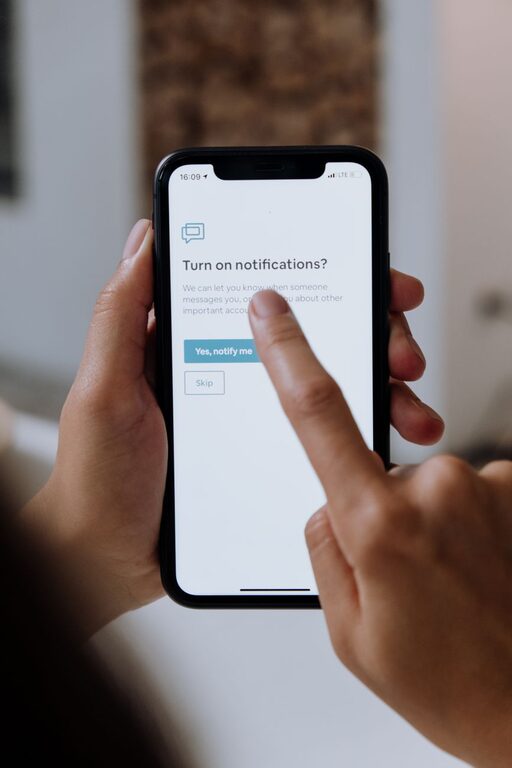
In today’s digital world, notifications can feel like a constant buzz pulling our attention in every direction. While alerts and reminders help us stay informed and connected, too many notifications can lead to stress, distraction, and decreased productivity. Setting clear boundaries with notifications is essential for maintaining balance and focus in both your personal and professional life.
This guide offers practical tips to help you manage your notifications more thoughtfully and regain control over your time and attention.
Why Setting Boundaries with Notifications Matters
Notifications serve useful purposes—they alert us to important emails, messages, updates, and events. However, when notifications are left unchecked, they can interrupt deep work, create anxiety, and reduce overall well-being.
Here are some key benefits of managing notifications:
– Improved Focus: Reducing unnecessary interruptions helps you concentrate better.
– Lower Stress: Less constant buzzing means less mental clutter.
– Better Sleep: Limiting nighttime notifications supports a more restful sleep.
– Time Management: You spend less time reacting to alerts and more time on meaningful tasks.
Assess Your Current Notification Settings
Before making changes, take a moment to review your current notification setup:
– Which apps send the most notifications?
– Are all notifications truly necessary?
– Do any notifications arrive during inappropriate hours?
– How do you typically respond to alerts—immediately or when convenient?
Understanding your habits will help you create a tailored notification plan.
Tips for Setting Boundaries with Notifications
1. Prioritize Notifications by Importance
Not every notification requires immediate attention. Sort your apps and notifications into categories like:
– Critical: Messages or alerts needing prompt action (e.g., work emails, family emergencies).
– Informational: Updates you want but can check later (e.g., newsletters, social media).
– Unnecessary: Notifications you can safely disable (e.g., promotional offers, game alerts).
Focus on keeping critical notifications active while limiting or turning off the rest.
2. Use Do Not Disturb and Focus Modes
Most smartphones and computers have built-in modes to silence notifications temporarily:
– Do Not Disturb: Mute all notifications except from selected contacts or apps.
– Focus Mode: Customize which apps can send alerts during work or relaxation periods.
Schedule these modes during meetings, focused work sessions, or bedtime to reduce distractions.
3. Customize Notification Settings Per App
Dive into each app’s notification preferences and adjust settings such as:
– Turning off sound or vibrations
– Disabling lock screen alerts
– Limiting banners or badges
– Setting quiet hours or notification summaries
Fine-tuning these details reduces notification noise without missing important updates.
4. Batch Check Notifications
Instead of responding to notifications as they come, designate specific times to review them. For example:
– Check emails twice daily—mid-morning and late afternoon.
– Review social media notifications during a break.
Batch processing helps you stay productive and reduces impulsive phone checking.
5. Turn Off Unnecessary Notifications
Some notifications add little value but create frequent interruptions. Consider disabling alerts from:
– Shopping apps
– Games
– News apps with constant updates
– Apps you rarely use
You can always open these apps to check updates manually when desired.
6. Inform Contacts About Your Notification Preferences
If you’re limiting notifications, communicate your availability to friends, family, and colleagues. This helps manage expectations around response times and reduces pressure to reply immediately.
7. Unsubscribe from Excessive Emails and Push Alerts
Unsolicited emails and promotional push notifications can clutter your inbox and device. Take time to:
– Unsubscribe from newsletters or marketing emails you no longer read.
– Disable push notifications from apps that send frequent promotions.
This declutters your digital environment and reduces unnecessary alerts.
8. Regularly Review and Adjust Notification Settings
Your needs may change over time. Schedule monthly or quarterly check-ins to revisit your notification preferences and adjust according to your lifestyle and priorities.
Additional Tools and Strategies
Use Notification Management Apps
Several apps help you organize and manage notifications by consolidating alerts or setting custom rules. Explore options compatible with your devices to enhance your control.
Practice Mindfulness
Mindfulness techniques encourage awareness of how often you check your device and the urge to respond immediately. Becoming more mindful helps break compulsive notification habits.
Physical Boundaries
Sometimes turning off notifications isn’t enough. Consider:
– Keeping your phone in another room while working.
– Using airplane mode during focused periods.
– Placing devices out of sight during family meals or social gatherings.
Conclusion
Notifications are a part of modern life, but they don’t have to control your attention. By setting thoughtful boundaries and customizing your notification preferences, you can enjoy the benefits of staying informed while protecting your focus, time, and mental well-being.
Start with small changes, be consistent, and adjust as needed to find the balance that works best for you. Your digital peace of mind is worth it!
About the Author